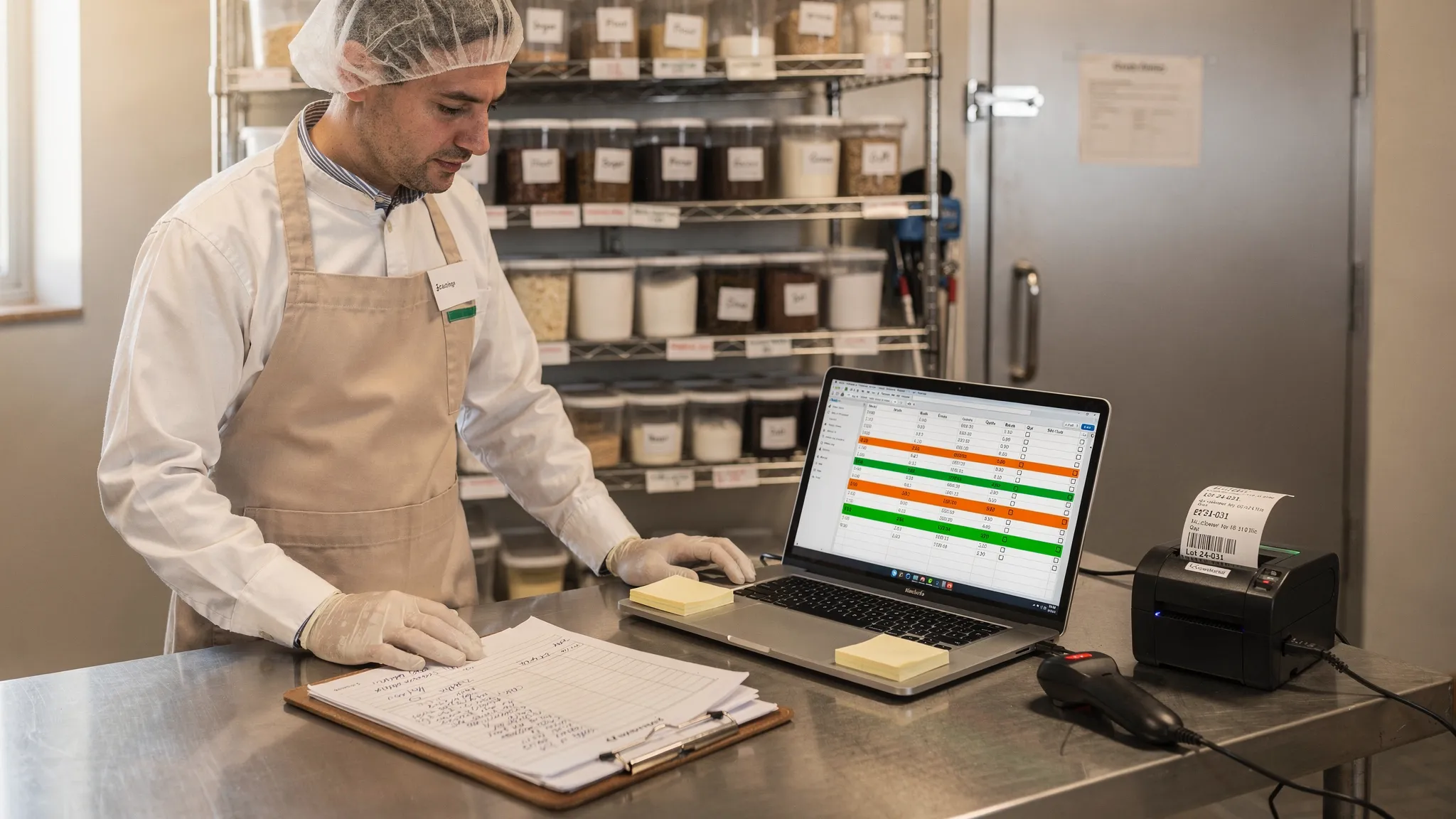
You did not start your business to babysit spreadsheets. Excel and paper got you through the early days, when one person knew every lot number by heart and weekly counts felt manageable. But as orders grow, the cracks show. You search for the Excel inventory limit and discover the real limit is not rows, it is the moment you can no longer trust on-hand quantities, expiry dates, or lot links without tapping three people and five tabs. That is a direct margin hit, and it steals time you would rather spend perfecting products.
Spreadsheets and clipboards still "work," until they quietly drain profit with slow traceability, missed updates, and avoidable waste. The good news, you do not need a big systems overhaul to get relief. You need real-time visibility, accurate data, and a workflow that fits how your team already operates, whether that is AI transcription of paper forms, direct digital entry, or barcode printing and scanning.

Five signs you have outgrown spreadsheets for inventory
1) A simple inventory question requires a hallway meeting
If the question 'what do we have right now by lot and expiry' means chasing people or reconciling three spreadsheets, you have passed the spreadsheet comfort zone. On-hand counts live in one tab, open orders in another, WIP on paper, and storage locations in your team's heads. A single missed update, a broken formula, or a late count turns planning into guesswork.
As your business grows, you increasingly need to get the answer to that question quickly with data you can trust. Real-time inventory tracking with lot label scanning tells you on-hand by lot, and by expiry. FEFO is not a hope, it is the default. You can plan for sales requests in seconds.
2) Mock recalls turn into fire drills
You should be able to trace raw material lots forward to every finished good and customer in minutes. If a mock recall takes hours and interrupts production, your data is not connected enough. Supplier COAs and receiving logs sit in folders, production logs are on clipboards, and packing slips are somewhere on the dock.
The FDA's Food Traceability Rule (FSMA 204) sets clear expectations for record keeping and speed. The compliance date is rapidly approaching, so tightening traceability now reduces risk and stress later. You can read the FDA's summary here.
What good looks like: instant lot tracing from receiving through production to shipment, with recall-ready record keeping and one-click export reports for auditors and buyers.
3) Formulas break, versions conflict, and someone is the spreadsheet firefighter
Excel is powerful, and also fragile when many people touch it. Add a new SKU and a VLOOKUP stops matching. Someone pastes over a range and unhooks a SUMIFS. A teammate saves an old copy and overwrites last night's count. None of this is malicious, it is just the reality of disconnected tools with no guardrails.
What good looks like: automatic data validation stops bad entries at the door. Recipes and bills of materials drive expected yields and lot consumption without manual formulas. Inventory updates are recorded as events, not hidden cell edits, so you keep an audit trail.
4) Waste and stockouts creep up because expiry is invisible in practice
When FEFO is a guideline instead of a system rule, short-dated inventory gets stranded in the back of the cooler while new lots ship first. You overshoot on safety stock, then still stock out because the wrong lots move. Industry wide, food waste is a known, expensive problem. ReFED estimates a meaningful share of the U.S. food supply goes unsold or uneaten each year, which translates into avoidable cost for producers. See ReFED's data and guidance at ReFED.
What good looks like: expiry and FEFO tracking highlights what needs to move next and what is at risk. Reorder points are informed by real movement, not just a gut feel. Repurchase prediction helps you anticipate what to buy before a run rate surprises you.
5) Batch costs and margins are fuzzy until the month closes
Your standard cost template does not reflect real yields, rework, or packaging price changes. Freight surcharges move weekly. By the time the P&L lands, the margin surprise has already happened. A spreadsheet can estimate, but it struggles to accumulate actuals by batch without a lot of manual work.
What good looks like: batch level costing that pulls in actual inputs and yields, then helps you understand margin for all your customer types. Yield management shows where losses creep in, so you fix process issues that move margin in the right direction. Production forecasting ties demand to capacity and materials, so you plan what to make with fewer last-minute scrambles.
The truth about the Excel inventory limit
On paper, Excel can handle up to 1,048,576 rows and 16,384 columns. Microsoft documents these figures here, Excel specifications and limits. For growing food and beverage operations, the practical limit shows up long before you hit those numbers. The real Excel inventory limit is concurrency, traceability, validation, and time. Spreadsheets are not built for many people entering operational data at once with auditability and instant recall paths.
If you feel that limit, it does not mean you need a big ERP. It means you need a purpose-built layer that keeps your current workflow intact and turns your records into traceable, recall-ready inventory data.
Upgrade without ripping out your process
You can keep the tools your team already knows and remove the pain points. Batch Better digitizes your paper logs and spreadsheets without forcing a new way of working. Intelligence runs in the background, not as a flashy add-on.
- AI-powered data extraction turns your existing paper forms into structured inventory and production events, so you do not need to redesign your paperwork to get started.
- Direct digital entry lets you input production, receipts, and adjustments on the floor when that makes sense.
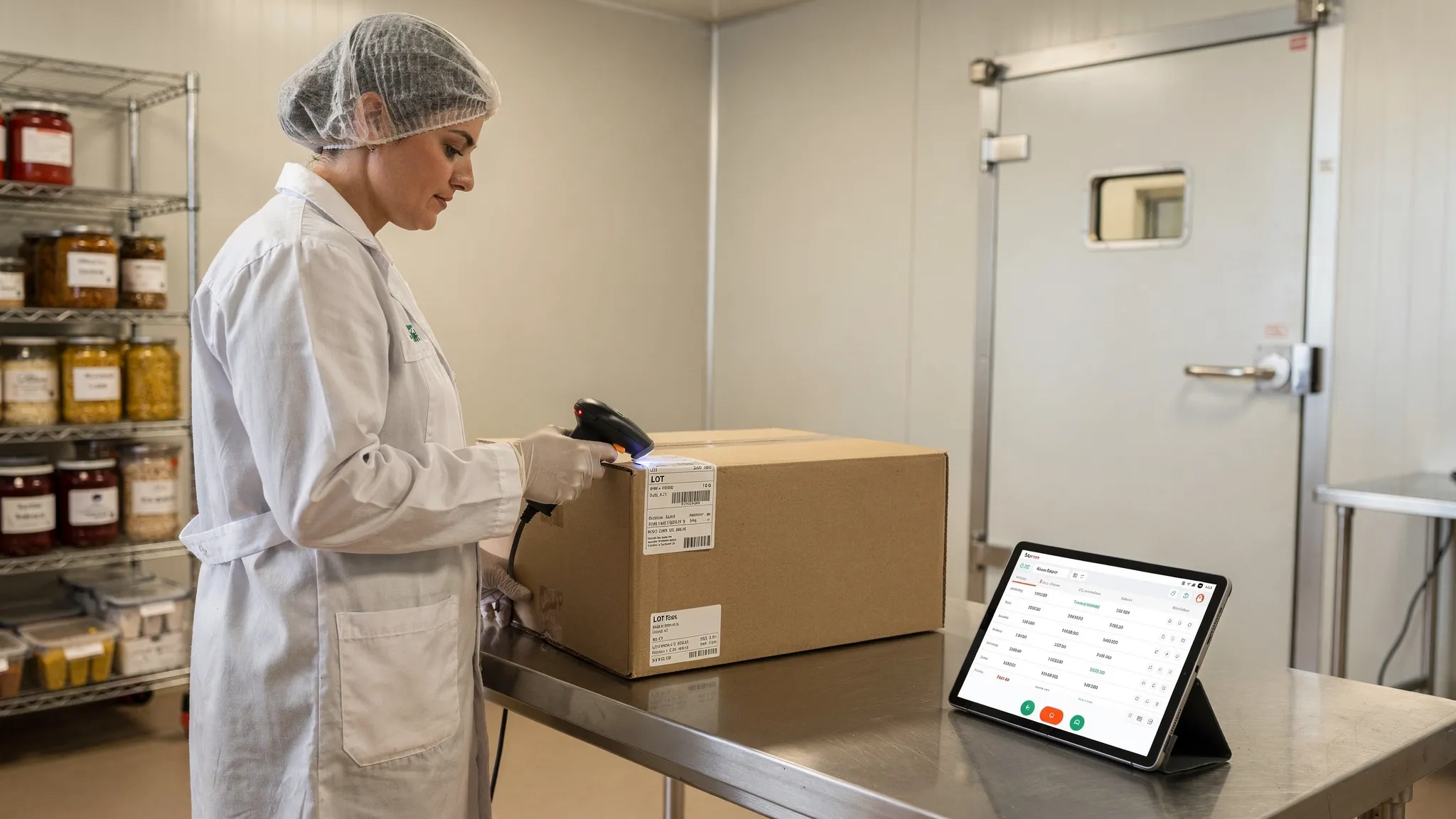
- Barcode printing and scanning link lots to movements, so FEFO and instant lot tracing become the default.
Under the hood, you get recall-ready record keeping, real-time inventory tracking, automatic data validation, one-click export reports, expiry and FEFO tracking, batch level costing, recipes and BOMs, yield management, repurchase prediction, and production forecasting. In practice, this feels like fewer questions, fewer surprises, and faster decisions.
A low-lift way to pilot
Start narrow, prove value, then expand. Here is a simple path many teams follow.
Step 1: Pick one product family and digitize its paperwork
Enable AI transcription for your current batch and receiving logs. Keep using the same forms. You will see lot links, yields, and on-hand by lot without asking the team to change behavior.
Step 2: Print and scan lot labels where it helps most
Usually this is at production and at shipping. Scanning removes manual entry and gives you instant lot tracing. If you are new to barcodes, GS1 has helpful primers.
Step 3: Run a mock recall and an expiry review
Pull every finished good that touched a given supplier lot, including customers and quantities. Then check short-dated stock by FEFO. Compare the time it takes now to last quarter's drill.
Quick reality checks you can run this week
- Ask for on-hand by lot and expiry for your top five SKUs. If it takes more than a couple of minutes, the system is not giving you real time.
- Add a new SKU and a new supplier lot to your spreadsheet. If a formula breaks, you need guardrails.
- Do a five-minute mock recall from a single raw material lot. If you cannot get a clean list of finished goods and customers quickly, you are operating in the dark.
- Walk your cooler and freezer. If you see short-dated cases behind newer lots, FEFO is not enforced.
Common spreadsheet failure points and a better way
| Spreadsheet symptom | Operational cost | What good looks like |
|---|---|---|
| Two sources of truth for on-hand counts | Extra safety stock, late shipments, overtime | Real-time inventory by lot and location with scanning |
| Mock recall needs all-hands | Lost production time, risk, stress | Instant lot tracing and recall-ready records, one-click exports |
| Fragile formulas and versions | Hidden errors, delayed orders | Automatic data validation, recipes and BOMs, event history |
| Expiry surprises | Waste, markdowns | Expiry and FEFO tracking, short-date alerts, first-to-expire pick lists |
| Fuzzy batch costs | Margin swings, slow decisions | Batch level costing, yield management, production forecasting |
FAQs
Do we have to stop using paper logbooks to get value? No. You can keep your existing forms. AI-powered data extraction turns those logs into structured, traceable inventory data without redesigning your paperwork.
What if my team is not technical? That's exactly how Batch Better is designed. Most of the work happens behind the scenes. Your team can keep writing on clipboards, enter data directly when it helps, and scan barcodes where it saves the most time.
Can we still export to Excel for buyers and auditors? Yes. Use one-click export reports to share the exact records people ask for, without hunting across tabs and folders.
How does this help with FEFO and expiry? Expiry and FEFO tracking makes the first-to-expire lot the easy choice. Short-dated stock is visible early, so you can move it before it turns into waste.
Will this work if we only have a few SKUs? Yes. The tipping point is not SKU count, it is how often you need to reconnect lots, batches, and shipments. Even small catalogs benefit from instant tracing and accurate on-hand.
What about regulatory changes like FSMA 204? Modernizing traceability now means less stress later. Your records become recall ready by default, aligned with the FDA's Food Traceability Rule.
Ready for relief without a big overhaul?
Stop operating in the dark. Keep the way your team already works, and add a system that gives you real-time visibility, accurate data, and recall-ready records. See how Batch Better turns messy clipboards and spreadsheets into traceable, lot-level inventory clarity. Visit Batch Better to talk with us and get a walkthrough tailored to your process.